Rental Property Maintenance Log: What Landlords Should Record
A rental property maintenance log connects each reported problem to the response, access arrangements, work performed, files, cost, and final status. Use this structure in a spreadsheet, shared document, or issue-level timeline.
By IssueLedger · Published · Updated
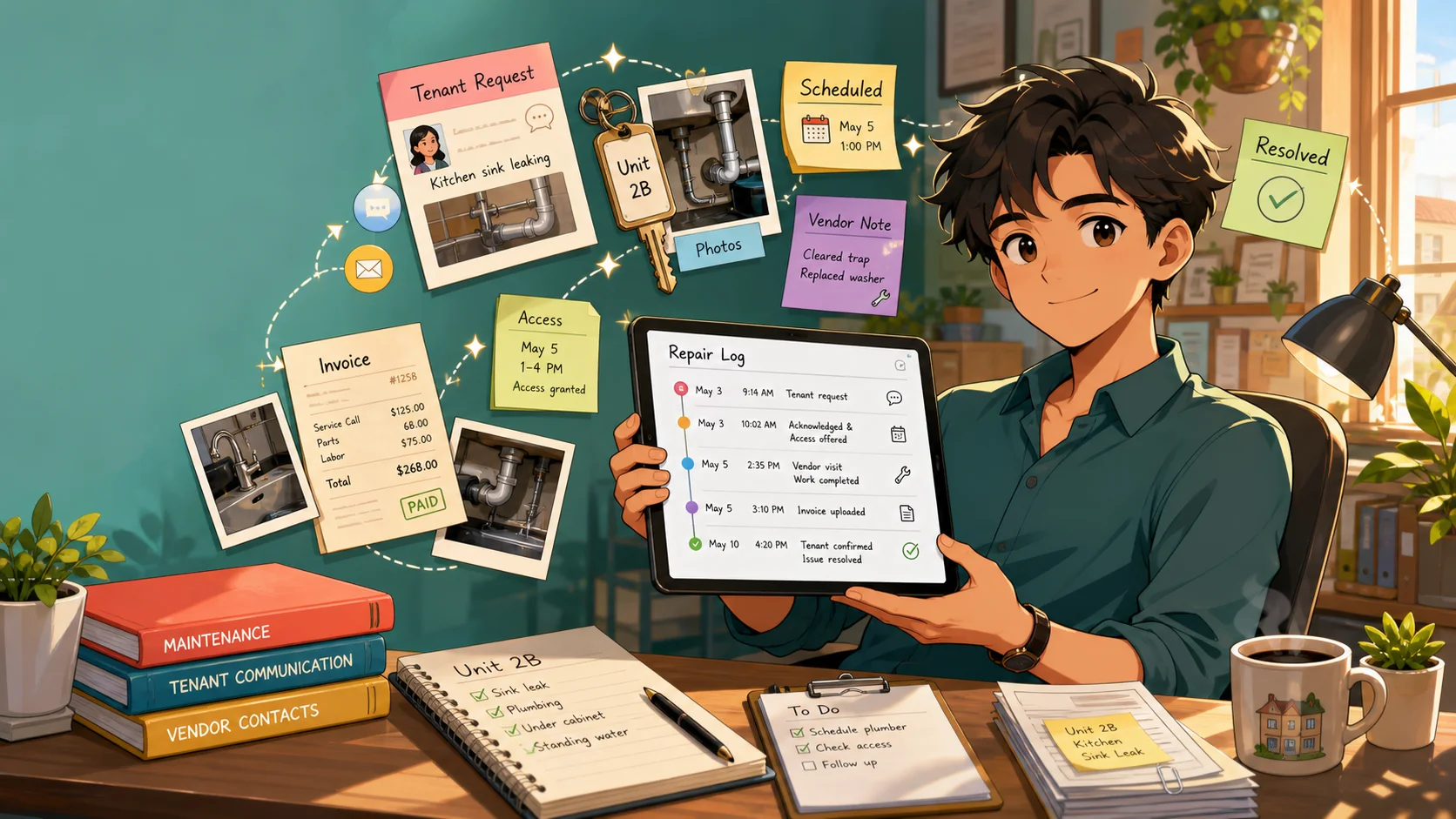
A rental property maintenance log is an organized history of reported problems, inspections, repairs, and follow-up for a property or unit. At minimum, it identifies the issue, the date it was reported, what happened next, and the current status. A useful log also connects the photos, messages, work notes, and invoices that explain those events.
Its everyday purpose is operational: help the next person find the last repair, see what is pending, and avoid repeating unanswered questions. You can start with a spreadsheet. The important distinction is between a list of repairs and a chronology that explains each one. This guide gives you both a copyable structure and a worked example.
Why chronology matters more than a long description
A note that says “sink repaired, $218” may be enough to recognize an expense. It does not show when the tenant reported the leak, whether access was arranged, what the plumber found, or whether the cabinet remained damp afterward. Those details help a landlord decide what still needs attention and help a manager hand the record to someone else.
Record events in sequence and keep the difference between event time and logging time. If you enter Tuesday's inspection on Thursday, identify Tuesday as the inspection date and Thursday as the entry date. Use a timezone for timed events, particularly if the owner or manager is reviewing from another region. If the exact time is unknown, say “afternoon; exact time not recorded” rather than inventing precision.
Do not overwrite yesterday's status to make the record look complete. Add today's update, identifying the source. A chronology can show both “vendor reported repair complete” and “tenant later reported continued dripping.” That is more useful than a final label with no explanation.
Copyable maintenance-log fields
Copy this HTML table into your document or spreadsheet as a starting structure. These are useful documentation fields, not a claim that every jurisdiction requires these exact columns. For a small portfolio, keep one issue summary row per repair and a separate events sheet keyed to the same issue ID. Put original files in a consistently named folder and link to it from the row.
| Field | What to record | Example |
|---|---|---|
| Property / unit | Exact property and unit; stable issue ID | Example Apartments, Unit 2B; 2B-SINK-2026-05 |
| Title / category | Specific symptom and broad category | Kitchen sink leak; plumbing |
| Reporter / channel | Who reported it and where the original lives | Tenant text; original message saved |
| Reported date / time | Received timestamp with timezone; onset separately | May 3, 2026, 9:14 AM CDT; tenant says started May 2 |
| Description | Original report plus clearly attributed summary | Water under cabinet after sink use; two photos |
| Urgency | Operational assessment, reason, assessor and date | Prompt inspection: active leak reported; landlord, May 3 |
| Acknowledgment | Who replied, when, channel and next action | Landlord text at 9:28 AM; arranging inspection |
| Access | Preferences, offered/confirmed windows and actual attempts | Afternoons preferred; May 4 visit agreed; entry at 3 PM |
| Inspection | Date, observer, findings and limits of inspection | May 3: damp cabinet base; source not confirmed |
| Vendor | Company/person, schedule, visit and source of findings | Example Plumbing; May 4 work note attached |
| Work performed | Repair, parts, tests and remaining tasks | Drain washer replaced; sink tested; check drying |
| Photos / documents | Original files and contextual descriptions | Before/after cabinet views; work note; invoice EX-218 |
| Invoice / cost | Estimate or actual amount; payment separately | $218 invoiced May 5; payment status recorded separately |
| Follow-up | Owner of next action, target date and actual result | Landlord to check cabinet May 8; tenant reports no new leak |
| Completion / status | What was completed, by whom, and what remains | Closed May 8 after dry-cabinet observation and tenant update |
| Recurrence | New symptoms/date and reference to earlier work | If leak returns, link to this repair; do not overwrite it |
Keep summaries brief enough to scan. A title should identify the symptom and location; the description can hold the fuller report. Use categories consistently so plumbing work, appliance visits, and condition observations can be reviewed together. Assign a person to each pending action, even if the same landlord handles everything.
Keep the first report and acknowledgment
Start with the reporter, the received date/time, the channel, and the description in their own words. Save the original supporting files. A tenant's reported onset is context, distinct from the timestamp of receipt. For a verbal report, note who spoke and what was said; identify it as your call note.
Record the acknowledgment separately, with its next step. “Reply sent” should not be mistaken for “inspection completed.” Classify urgency to organize the response, documenting the reason and assessor. This operational field is not a legal finding. For the detailed workflow, see how to document a tenant repair request.
If the condition is urgent or dangerous, use the normal emergency process before documenting. Local repair obligations and deadlines vary, so do not turn an internal target date into a statement about the law.
Record access, inspection, and vendor work as distinct events
Preserve access preferences, proposed windows, confirmations, notices or messages, and the actual attempt. A preference for afternoons is not the same as agreement to a particular visit. If access does not happen, record the call or message, the observable outcome, and the revised plan without guessing why someone was unavailable.
For inspection, name the observer and what they saw. Keep a vendor diagnosis attributed to the vendor. Scheduling notes should identify the company or person, appointment window, confirmation, and the person coordinating tenant access. When work happens, add the visit date, findings, work performed, parts, tests, and any outstanding recommendation.
A visit may end with a part ordered, an estimate requested, or a need to monitor drying. Record that remaining task and who will follow up. Avoid closing the issue simply because the invoice arrived. The maintenance request records should explain the physical work and the later status independently of the paperwork.
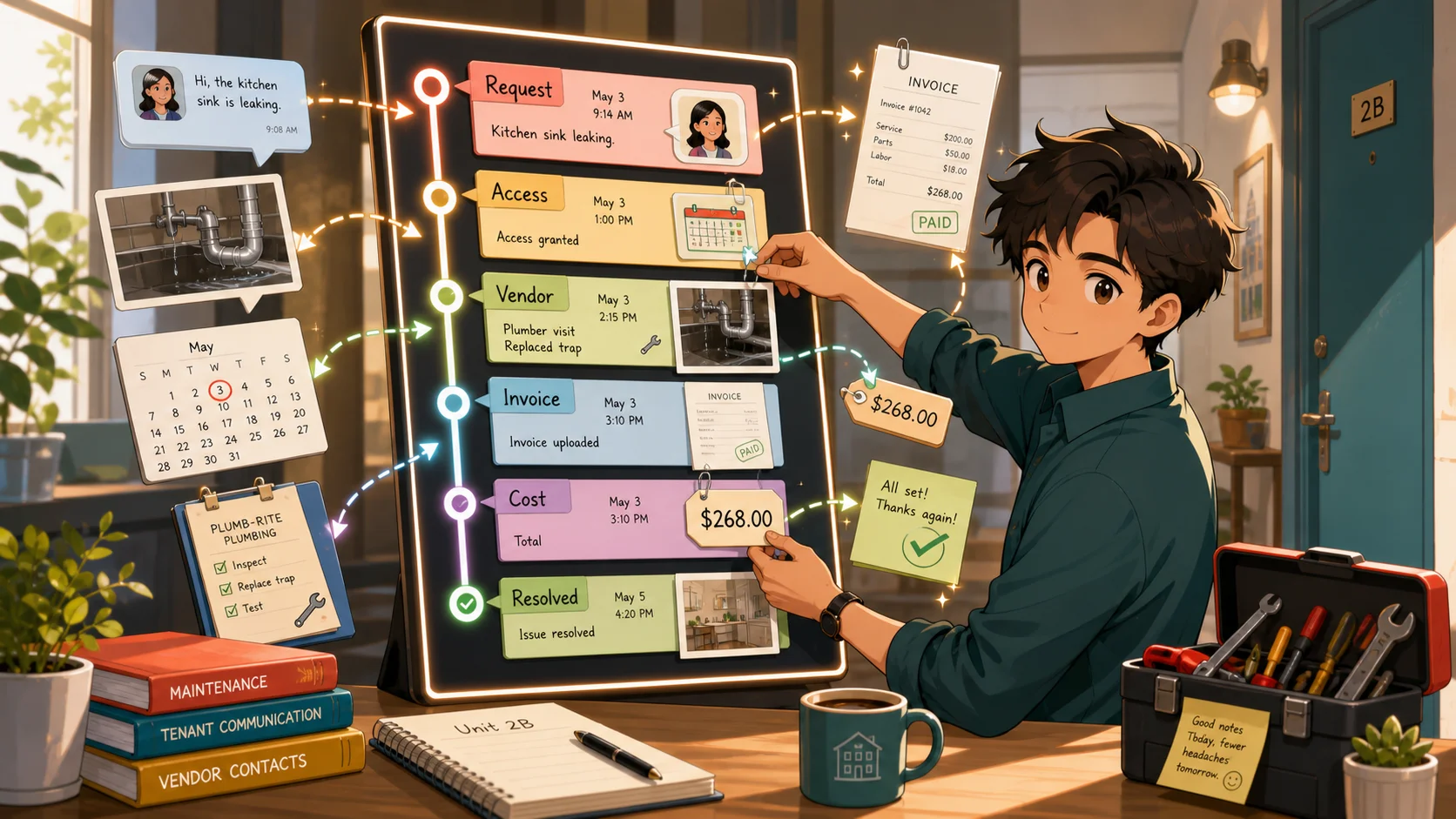
Attach photos and invoices with enough context
Use a wide photo to show the location and close-ups to show the reported condition. Label files or their descriptions with the unit, area, subject, and known capture context. Keep originals and identify edited copies. Before and after repair photos are easier to compare when they use similar viewpoints; a close-up alone can make a spot hard to locate.
For invoices and cost notes, distinguish estimates, approved quotes, invoiced amounts, and paid amounts. Attach the actual document and identify the work it relates to. A paid invoice is an accounting fact; it does not by itself show that every symptom stopped. Do not place unnecessary bank details, access codes, or unrelated tenant information into a record intended for sharing.
For pre-existing marks or damage, refer to the move-in condition record. Keep the starting observation dated separately from the repair decision. This lets a later reader see that a condition existed before a particular repair visit without treating the photograph as a diagnosis.
Example maintenance timeline: Unit 2B kitchen sink leak
This fictional example uses CDT (UTC−05:00) throughout and the same issue ID for every event. The issue summary can read: “Drain washer replaced May 4; cabinet dry at May 8 follow-up; $218 invoice attached; closed.” The events beneath it explain how that summary was reached.
| Date and time | Event and supporting record |
|---|---|
| May 3, 2026, 9:14 AM CDT | Tenant reports water beneath kitchen sink; original text and two photos saved. Afternoon access preferred. |
| May 3, 9:28 AM CDT | Landlord acknowledges report, records urgency assessment, and arranges same-day inspection. |
| May 3, 1:20 PM CDT | Inspection finds damp cabinet base after sink use. Before photos attached; vendor asked to inspect connection. |
| May 3, 2:10 PM CDT | Example Plumbing scheduled for May 4, 2–4 PM. Tenant confirms window by text. |
| May 4, 2:35 PM CDT | Vendor calls from building; no answer. Tenant calls back at 2:42 PM; entry arranged for 3 PM. |
| May 4, 3:10 PM CDT | Vendor replaces drain washer and tests sink. Work note and after photos saved; cabinet drying remains under review. |
| May 5, 10:00 AM CDT | Invoice EX-218 received for $218; linked to May 4 visit. Payment is tracked separately. |
| May 6, 6:15 PM CDT | Tenant reports no new leak; cabinet still slightly damp. Landlord schedules another check. |
| May 8, 1:30 PM CDT | Cabinet observed dry; tenant reports no further water. Closeout summary added; status closed. |
Notice that the vendor visit, invoice receipt, tenant report, and landlord check have separate dates. If the same symptom returns in June, add a new dated report and reference this history. Do not change the May entry to say the June problem was already known.
A spreadsheet and an issue-level record serve different jobs
A spreadsheet works well as an overview: filter by unit, category, vendor, status, or cost. Use stable issue IDs, clear column definitions, a linked events sheet, and file references that other authorized reviewers can open. Keep access permissions deliberate, preserve versions or backups, and avoid relying on one person's desktop folder path.
An issue-level chronological record groups every event and attachment around a specific repair. It is useful when there are several access attempts, vendor visits, or follow-up messages. It reduces the work of reconstructing the order, but it still depends on accurate entries and complete source files. Neither format turns a note into a verified fact.
You can combine them: use the spreadsheet to locate an issue and the detailed record to understand it. If the overview says “closed,” the underlying record should contain a closeout note naming what was completed, who confirmed it, and any remaining limits.
Maintain the log and plan retention deliberately
Add entries while the details are fresh. Review pending items on a regular schedule that fits your portfolio, checking the next action and responsible person. After each repair, save the work note and invoice, obtain a follow-up where appropriate, and check that attachment references still work. Repeated symptoms deserve a link to prior work rather than a fresh isolated row.
Keep property maintenance records in a predictable folder structure with independent backups. Preserve original messages and photos, and check an exported packet before sending it. Review retention needs against applicable law, leases, insurance, accounting requirements, and any ongoing matter; there is no universal legal period supplied by this guide. A software storage setting is not a substitute for that decision.
When handing records to a new manager, explain category and status labels, where originals live, which items remain open, and who controls access. A log someone cannot locate or interpret is difficult to maintain even when every row has been filled in.
Where IssueLedger fits in the repair log
IssueLedger organizes tenant reports, landlord entries, photos, documents, access notes, and vendor updates into a timestamped issue timeline. Landlords can export a PDF or create a share link for review. An invited property manager can add attributed entries to assigned properties; tenants submit through the landlord's link without a separate account.
Uploaded-file SHA-256 hashes and S3 Object Lock support the integrity and retention of stored files. They do not prove the original capture time, the truth of a description, or a legal outcome. Keep your own originals and verify exports. Explore the sample record packet or the landlord documentation workflow to see how a dedicated issue record fits alongside your existing bookkeeping.
Keep independent originals and check exports.
Keep original photos, messages, notices, invoices, and reviewed exports outside any single online tool. Records organize observations and actions; timestamps or file hashes do not establish that a claim is true or guarantee legal admissibility, deposit treatment, or an outcome. Local rules and deadlines vary. See the IssueLedger disclaimer.